
One request with a reason
Prepare an unusual favour around the NPC, party and established facts. Connect the strangest detail to a believable personal motive.
NPC & social
An unusual request.
A personal reason.
A scene worth playing.

The person behind the oddity
Give the party a question worth asking and a person worth understanding.
Prepare an unusual favour around the NPC, party and established facts. Connect the strangest detail to a believable personal motive.
Describe how the NPC asks, when they explain and what they offer. The players decide whether to help, refuse or negotiate.

Objects, tasks and personal rituals
An elderly woman holds a tiny red umbrella beside a table of adventurers. A goose in a basket, a mask, sealed message, red shoes and framed portrait surround the conversation.
Choose one request type and a level of strangeness. Build the specific condition around this NPC’s motive, rather than leaving the unusual object or task without a personal reason.
What you can prepare
Keep the unusual request concrete and the next scene practical.
Describe the NPC, party and current situation. Ground the unusual request in established facts and the relationship at your table.
Choose slightly odd, peculiar, genuinely weird, bizarre, utterly baffling or unforgettable. Match the tone to the scene you want to play.
Shape a strange object, unusual task, performance, animal, message, borrowed identity, private ritual or something from the past into one request.
Prepare the detail that makes this request unusual, together with how the NPC asks. Give the party something concrete to question or negotiate.
Connect the request to love, grief, a promise, superstition, pride, curiosity, a long-running joke or repaying a debt. Keep the person behind the oddity clear.
Prepare when the NPC explains their real reason and what they offer. Use these details when the party asks questions or proposes another approach.
Get two complications, two hooks, two table tips and a private Dungeon Master note. Choose what fits your campaign and the players’ response.
Start with NPC, party, situation, strangeness and tone. Deep adds request type, motive, shared history, things to avoid and private context.
Lock, change and edit sections. Save and reopen versions, or duplicate a result to explore a variation while keeping your preferred preparation.
Choose the full Dungeon Master dossier or a player-facing request. Review the audience and contents before sharing, especially after edits.

A condition with a personal reason
An elderly woman explains with a portrait and blue cord beside a fruit tree decorated with blue bows and bells. Adventurers listen among geese, coins, keys and a model boat.
Prepare the request, oddly specific condition and real motive together. Decide when the NPC explains and what they offer, so questions at the table have a useful point of reference.
Quick or detailed preparation
Choose the amount of detail you need for this scene.
Set NPC, party, current situation, established facts, strangeness and tone. Keep the request connected to the campaign.
Use Deep preparation to shape the unusual object, task or ritual and the personal reason behind it.
Supply shared history, things to avoid and private context. Review the result against what the party already knows.
Read how the NPC asks, the condition, explanation, offer and complications together. Edit the preparation before bringing it to the table.

Hooks and practical choices
An elderly woman places a red boot at a fountain beside a portrait. Adventurers carry a painted plank, a musician plays and a child reaches toward colourful paper birds.
Prepare two complications, two hooks and two table tips. Use them as openings for questions, negotiation or another approach; the players choose their response and the table plays the outcome.
Refine, revisit and share
Save your preparation, then choose who should see it.
Lock, change and edit sections while shaping the request and NPC. Review retained text alongside each change.
Save and reopen a version, or duplicate a result to explore another variation of the unusual request.
Keep the request, motive, private context, Dungeon Master note and practical options together. Copy, export JSON or print for preparation.
Choose a player-facing request when sharing at the table. Check its audience and contents before sharing, especially after manual edits.
Your workspace and related products
Open VISINVOKE products through your account.

Open NPC Wants Something Weird in the Generators collection of your signed-in desktop workspace. Prepare, refine and export the unusual request from the same product home.
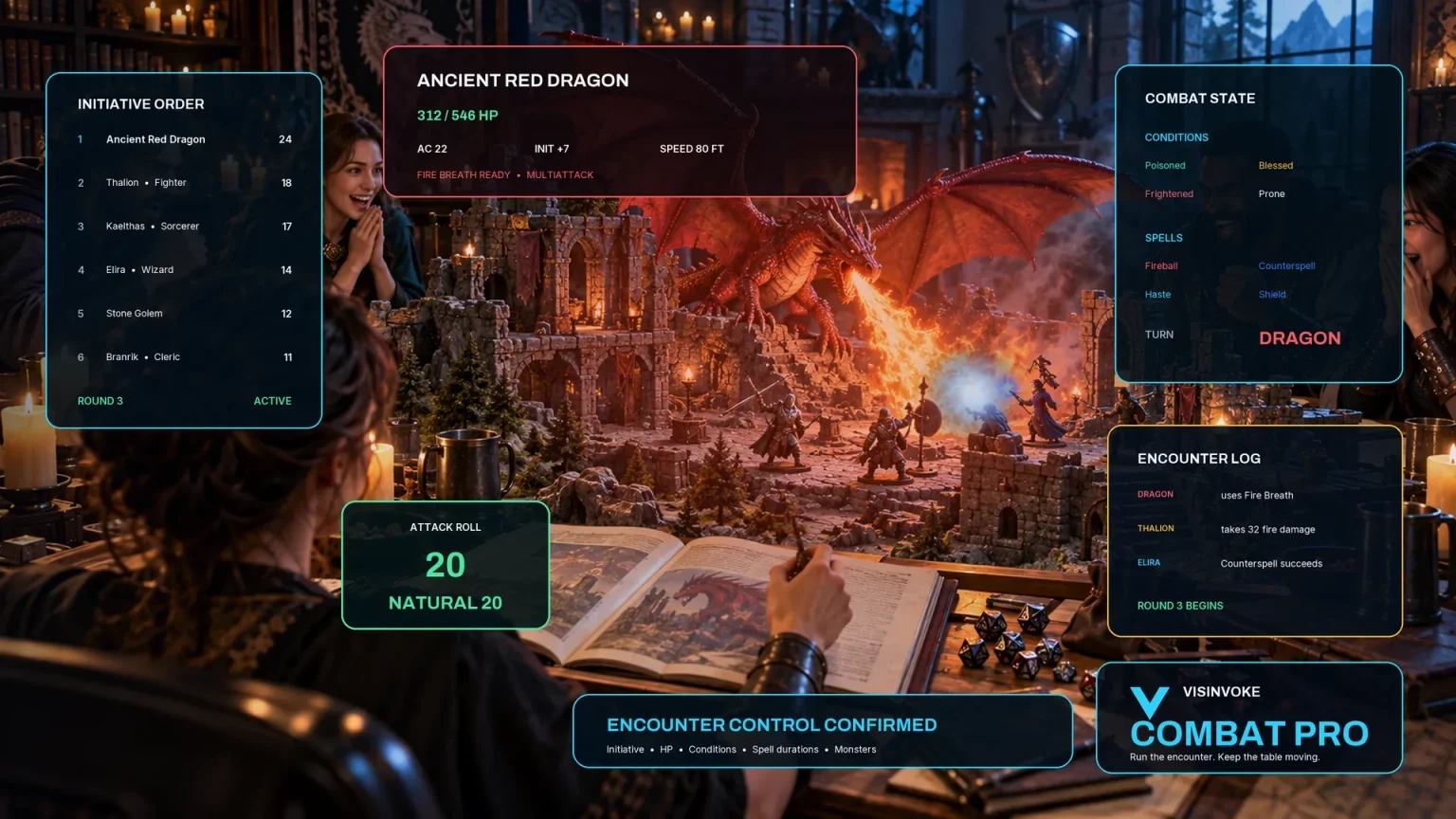
Use the separate encounter workspace when preparing combat. NPC Wants Something Weird prepares a personal request and social scene, leaving the party’s choices and outcome with your table.
Images are product illustrations. Prepared requests, offers and complications leave player choices open.
Questions and answers
Preparation, refinement and sharing at a glance.
One personal, unusual NPC request with how they ask, an oddly specific condition, a real motive, when they explain and what they offer. The result also includes two complications, two hooks, two table tips and a private Dungeon Master note.
A strange object, unusual task, performance, animal, message, borrowed identity, private ritual or something from the past. Choose the strangeness level and tone to suit your table.
Quick starts with NPC, party, current situation, strangeness and tone. Deep adds request type, motive, shared history, things to avoid and private context.
Players choose whether to accept, refuse, ask questions or negotiate. The Dungeon Master plays the NPC and adapts the prepared offer, complications and hooks to the table’s response.
Lock, change and edit sections, save and reopen versions, or duplicate a variation. Copy, export JSON or print the full Dungeon Master dossier or player-facing request. Check the intended audience and contents after changes.
Create a free VISINVOKE account or sign in, get Desktop Control Centre through your account installer page and open NPC Wants Something Weird in the Generators collection. View current subscription details in your account.
Continue in VISINVOKE
Create a free VISINVOKE account or sign in to your existing account. Get Desktop Control Centre through your account installer page.
Open NPC Wants Something Weird in the Generators collection. View current subscription details in your account.